ArchLens AI
ArchLens AI checks your project against permitted development law, your council's own adopted planning policies and the Building Regulations, producing structured, citation-backed reports in minutes. It's built for architectural practices, homeowners and developers who want to know where they stand before committing to drawings or a formal application.
ArchLens is built and backed by SY Design Studio. Every SY Design Studio submission is pre-screened through it, and we've made it available as a standalone tool nationwide.
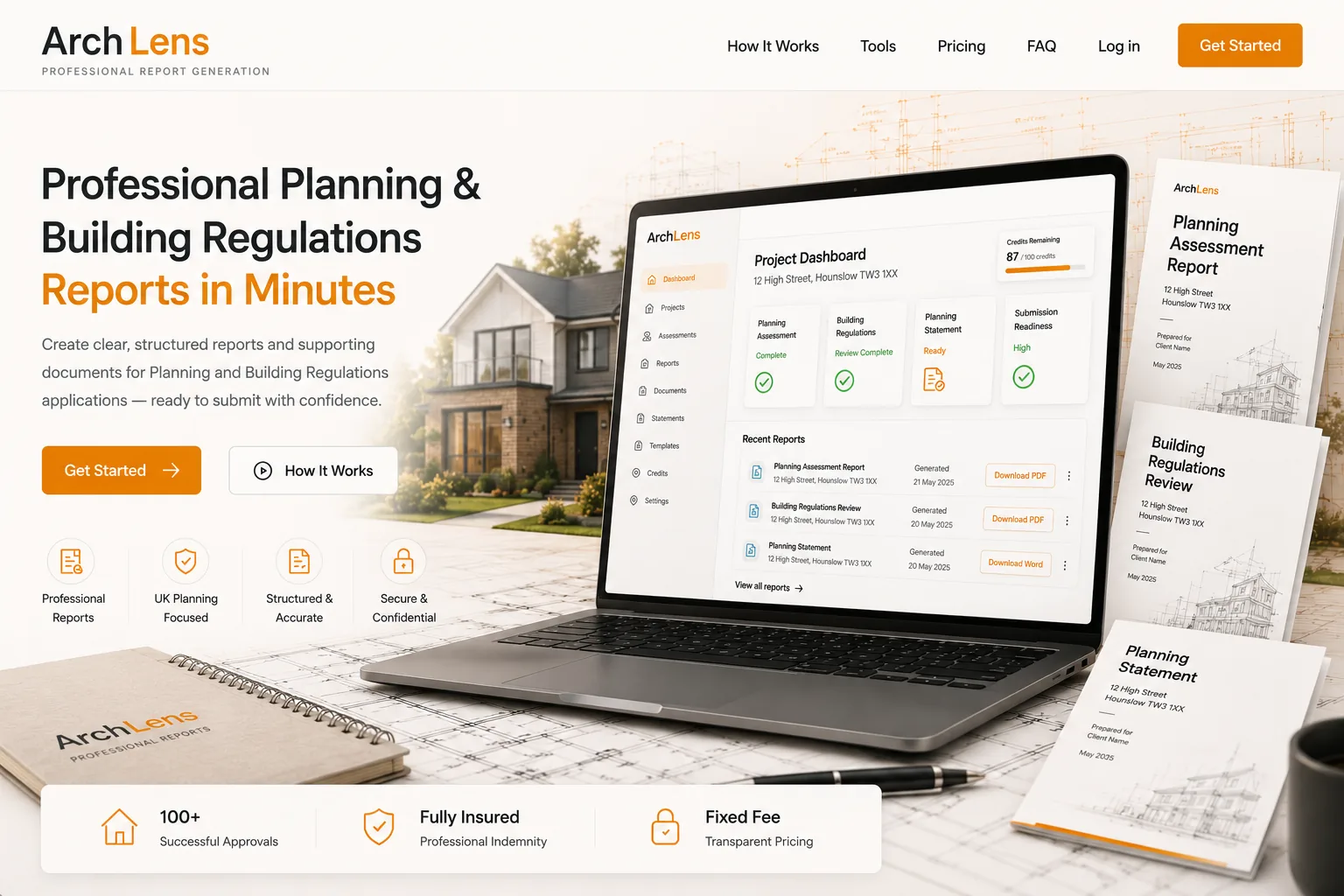
What ArchLens Does
- 1
Create a Project
Add the property details and proposed works. Your details are kept secure and private to your account.
- 2
Answer Guided Questions
A step-by-step wizard collects what's needed to analyse the project and identify the likely planning route, with plain-English help throughout.
- 3
Review Your Report
Receive a clear, structured report covering key findings, requirements and recommended next steps for your submission.
Two Assessment Tools, Plus a Statement Generator
Every tool runs on a structured rules and policy engine rather than a single freeform AI prompt — the engine determines the outcome, and AI is only used to explain it in plain English.
Planning Assessment
Identifies the likely permitted development route, verifies site constraints such as conservation areas and Article 4 directions against official data, and checks the proposal against the council's own adopted planning policies. Every finding cites its source.
Building Regulations Assessment
Checks the proposal against the England Approved Documents — structure, fire safety, thermal performance, ventilation, drainage and accessibility — with every conclusion traceable to its exact paragraph.
Planning Statement Generator
Produces a structured supporting statement covering site context, design approach, amenity and access, built from the same verified route and policy findings, ready to refine with a professional.
Rules Decide. AI Only Explains.
Many AI planning tools guess at the regulations from memory. ArchLens checks every proposal against a structured, version-controlled library of permitted development law, national planning policy and each council's own adopted planning documents — the AI's job is to write up what the engine has already decided, never to decide it itself.
Deterministic, Not Guessed
Every conclusion comes from a versioned rules and policy library — GPDO permitted development law, the National Planning Policy Framework, and each council's adopted planning documents — never the AI's own recollection of the regulations.
Checked Against Verified Data
Sites are checked against official government datasets for conservation areas, Article 4 directions, listed buildings and flood zones, not just what a user tells it.
Full Traceability
Every finding shows exactly which policy, document and paragraph it comes from, and the legal weight it carries, so you see the reasoning, not just the answer.
Citation-locked local policy libraries are live for Hounslow, Ealing, Hillingdon, Brent, Richmond upon Thames, Slough, Harrow, Hammersmith & Fulham, Wandsworth, Kingston upon Thames, Spelthorne, Barnet, Merton, Elmbridge, Kensington & Chelsea, Windsor & Maidenhead and Three Rivers. Everywhere else in England, projects are checked against national planning policy and permitted development law, with local coverage added as new areas are authored.
Two Audiences. One Engine.
Architectural Practices
- Triage new enquiries in minutes, before you quote
- Citation-locked findings — GPDO limits, council SPD references, Approved Document paragraphs
- Cross-check drawing packs and generate statement drafts to refine
Homeowners & Developers
- Understand your project's planning position before spending on drawings or fees
- Plain-English reports on extensions, lofts, outbuildings, conversions and HMOs
- Site constraints checked against official government data, not guesswork
How Credits Work
ArchLens uses a simple credit system. New accounts receive a welcome credit balance, and credits are only spent when a report generates successfully — a failed report never costs you credits. Credits never expire.
What's Included vs. When to Bring in a Professional
What ArchLens Provides
Clear, plain-English preliminary guidance based on the information you supply — useful for early-stage understanding and planning conversations.
What It Does Not Provide
ArchLens does not guarantee planning permission, permitted development compliance, or Building Regulations approval. It is not legal, structural or fire-engineering advice, and does not include drawings.
For project-specific advice, drawings or a full submission, you can request professional assistance from SY Design Studio directly from your ArchLens dashboard, or get in touch with us directly.